In the fast-paced world of digital marketing, integrating your tools can be the key to unlocking enhanced performance and better results. This comprehensive guide dives deep into connecting Aweber with ClickFunnels, explaining not only how to establish this connection but also how to optimize it to transform clicks into conversions effectively.
Table of Contents
Understanding Aweber and ClickFunnels
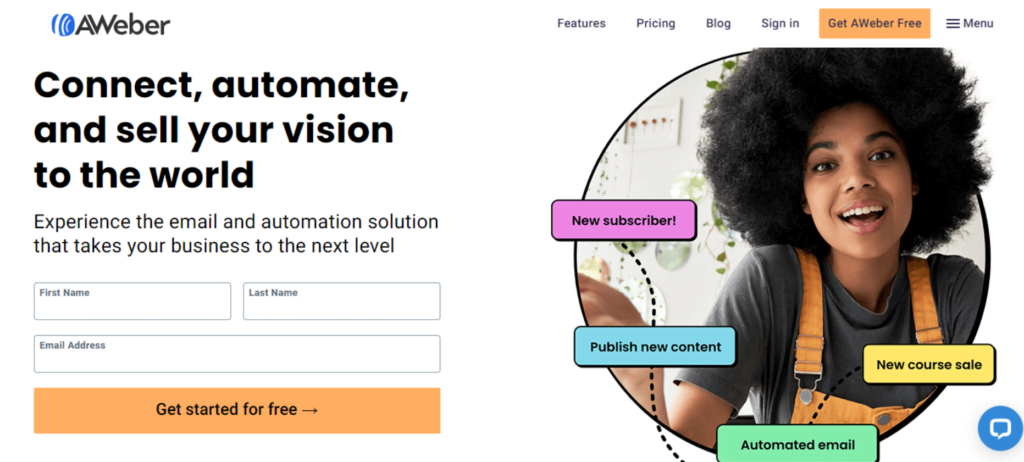
What is Aweber?
Aweber is a robust email marketing service used by businesses to create custom email campaigns, manage extensive subscriber lists, and automate marketing communications. Its features are designed to help users maintain active engagement with their audience through automated workflows and responsive email designs.
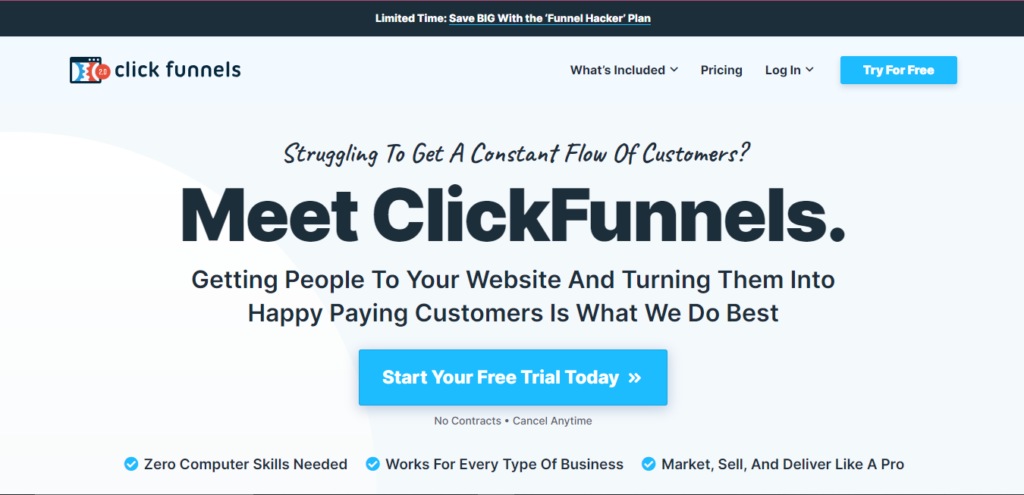
What is ClickFunnels?
ClickFunnels is a powerful online platform that helps businesses to build and optimize sales funnels. It provides tools and functionalities to create web pages within sales funnels designed to lead a prospect through a systematic process that aims to increase the likelihood of converting the prospect into a customer.
Benefits of Integrating Aweber with ClickFunnels
Enhanced Lead Management
By integrating Aweber with ClickFunnels, marketers can automatically sync new contacts to their email lists, ensuring that no lead is lost. This synchronization allows for immediate communication with leads, potentially increasing conversion rates through timely and relevant interactions.
Improved Email Automation
Connecting Aweber with ClickFunnels enables marketers to trigger personalized email campaigns based on user behavior within the sales funnels. This can include sending targeted messages after a customer makes a purchase, signs up for a webinar, or downloads a free guide, making each email more relevant and likely to convert.
Streamlined Sales Funnels
The integration allows for the seamless transition of data between both platforms, creating a unified workflow that helps move leads down the sales funnel with less friction and better alignment between marketing and sales efforts.
Step-by-Step Guide to Connect Aweber to ClickFunnels
Preparing Your Accounts
Before integration, ensure that both your Aweber and ClickFunnels accounts are active and you have the necessary administrative permissions to make changes. Check that both platforms are updated to the latest versions to avoid any compatibility issues.
Integrating via Aweber’s Built-In App
- Log into ClickFunnels: Start by logging into your ClickFunnels account.
- Access Integrations Settings: Navigate to your account settings and find the ‘Integrations’ menu.
- Connect to Aweber: Select Aweber from the list of available integrations and click on ‘Connect’. You will be prompted to enter your Aweber login credentials to authorize the connection.
Setting Up Automation Rules
After integrating, configure specific automation rules in Aweber to correspond with activities in your ClickFunnels funnels:
- Email Sequences for New Leads: Set up an email sequence in Aweber to welcome new subscribers who entered through ClickFunnels.
- Behavioral Triggers: Create triggers based on user actions, like visiting specific pages or abandoning a shopping cart, to send customized emails designed to bring users back to the funnel.
Tips for Maximizing the Integration
Segmenting Your Contacts
Use the detailed analytics from ClickFunnels to segment your contacts in Aweber. For instance, you can segment users based on the products they viewed or interacted with and tailor the emails to suit their interests.
Personalizing Email Campaigns
Personalization goes beyond just addressing the recipient by their name. Tailor the content of your emails based on the specific actions each subscriber has taken within your funnels to increase relevance and engagement.
Testing and Optimizing
Continuously test different aspects of your email campaigns and funnels. A/B testing can reveal valuable insights into what headlines, content, and offers drive the best results. Use the data to refine both your emails and funnel pages continuously.
Common Pitfalls to Avoid
- Ignoring Email List Hygiene: Regularly clean your email list to remove inactive subscribers, which can improve engagement rates and deliverability.
- Over-Automation: While automation is beneficial, overly generic messages can alienate your audience. Maintain a balance between automation and personalization.
Case Studies: Success Stories
Detail successful case studies where businesses have seen significant improvements in conversion rates and revenue by integrating Aweber with ClickFunnels. Explain the strategies they used and how they overcame challenges.
Conclusion
Integrating Aweber with ClickFunnels can create a powerful ecosystem for nurturing leads and converting them into loyal customers. By following this guide, businesses can ensure they are fully leveraging both platforms to enhance their digital marketing efforts and achieve superior outcomes.
FAQs
1. What are the prerequisites for integrating Aweber with ClickFunnels?
To integrate Aweber with ClickFunnels effectively, you need active accounts on both platforms with appropriate administrative access. Ensure both platforms are updated to their latest versions to avoid compatibility issues. Additionally, familiarity with basic navigation and setup procedures on both Aweber and ClickFunnels is beneficial to streamline the integration process.
2. How do I troubleshoot issues during the integration process?
If you encounter issues during the integration, start by checking your internet connection and ensuring that both your Aweber and ClickFunnels accounts are active and correctly configured. Review all settings and permissions in both platforms to ensure they are set up to allow integration. If problems persist, consult the support sections of Aweber and ClickFunnels or reach out to their customer service teams for guidance.
3. Can I integrate Aweber with ClickFunnels on the free plan of either service?
ClickFunnels does not offer a free plan; it only provides a free trial period. Aweber offers a limited free plan, but to integrate with ClickFunnels, you might need to upgrade to a paid plan depending on the depth of the features you wish to utilize. It’s advisable to review both platforms’ pricing and features to ensure you have access to the necessary integration capabilities.
4. What are the best practices for email sequences post-integration?
Post-integration, it is crucial to design email sequences that react dynamically to user interactions within your funnels. Best practices include segmenting your audience based on their actions, personalizing messages to increase relevance, and timing your emails to align with users’ interactions. Regularly test and optimize your email sequences to enhance open rates, click-through rates, and conversions.
5. How often should I review the integration to ensure it’s functioning optimally?
Regularly reviewing your integration setup is essential to maintain efficiency and effectiveness. It is advisable to conduct a thorough review every quarter. Monitor the data flow between Aweber and ClickFunnels, check for any updates or changes in both platforms that might affect your integration, and keep an eye on the performance metrics from both your emails and sales funnels to identify any areas for improvement.

Romil Aggrawal is a skilled Technical Content Writer and SEO Expert with a passion for simplifying complex concepts. With years of experience in crafting engaging, user-friendly content, Romil has personally tested and reviewed a wide range of tools and software to deliver in-depth, honest insights. His expertise in SEO ensures that his content not only informs but also ranks, helping businesses reach their audience effectively. Romil's dedication to quality and attention to detail make him a trusted voice in the tech and digital marketing space.