CRM (Customer Relationship Management) systems are essential tools for businesses to manage interactions with their customers and potential leads. In today’s competitive business landscape, maintaining strong relationships with customers is paramount, and CRM software helps streamline processes, improve customer satisfaction, and drive sales growth.
Table of Contents
Overview of Keap CRM
Features
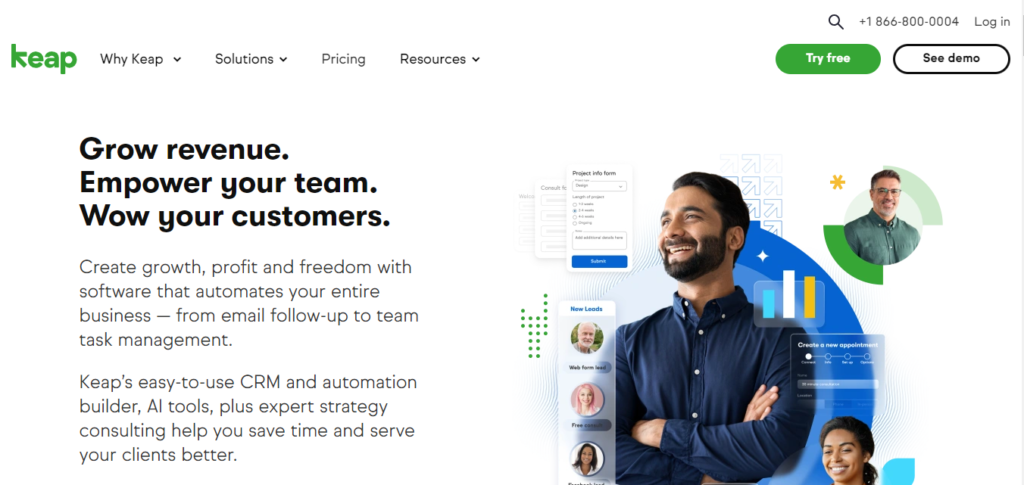
Keap CRM, formerly known as Infusionsoft, is a comprehensive solution tailored primarily for small businesses. It offers a wide array of features designed to help businesses organize contacts, automate marketing tasks, manage sales pipelines, and handle invoicing. Key features include contact management, email marketing automation, lead scoring, customizable pipelines, and integrated payment processing.
Pros
- Intuitive User Interface: Keap’s user-friendly interface makes it easy for users to navigate and utilize its features effectively.
- Robust Automation Capabilities: Keap’s automation features empower businesses to automate repetitive tasks, nurture leads, and engage with customers at various stages of the sales funnel.
- Seamless Integrations: It integrates seamlessly with popular third-party apps and services, allowing users to extend its functionality and streamline their workflows.
- Comprehensive Reporting: Keap provides detailed analytics and reporting tools, enabling businesses to track their performance, identify trends, and make data-driven decisions.
Cons
- Limited Customization: While Keap offers some degree of customization, it may not be as flexible as other CRM solutions in terms of tailoring workflows and processes to specific business needs.
- Pricing Structure: The pricing of Keap CRM, especially for higher-tier plans, may be a bit steep for small businesses on a tight budget.
Pricing Structure
Keap CRM offers three pricing tiers: Lite, Pro, and Max. The Lite plan starts at $79 per month and includes basic features such as contact management and email marketing. The Pro plan, priced at $149 per month, adds more advanced automation and sales pipeline management features. The Max plan, at $249 per month, includes additional functionalities such as e-commerce capabilities and advanced reporting tools.
Overview of Zoho CRM
Features
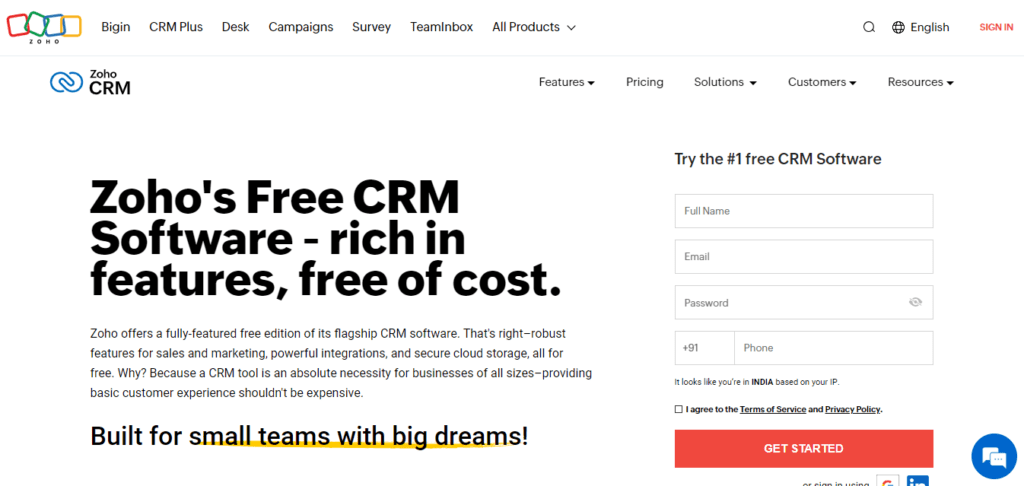
Zoho CRM is a cloud-based CRM solution suitable for businesses of all sizes. It offers a comprehensive suite of tools to manage sales, marketing, customer support, and more. Key features include lead management, contact management, email marketing, workflow automation, social media integration, and AI-powered analytics.
Pros
- Highly Customizable: Zoho CRM stands out for its extensive customization options, allowing businesses to tailor the platform to their specific needs and workflows.
- Affordable Pricing Options: Zoho CRM offers a range of pricing plans, including a free version for up to three users, making it accessible to businesses of all sizes.
- Wide Range of Integrations: It integrates seamlessly with hundreds of third-party apps and services, enabling users to connect their CRM with other business tools they already use.
- AI-Powered Insights: Zoho CRM’s AI assistant provides predictive insights and recommendations to help businesses make informed decisions and optimize their sales processes.
Cons
- Learning Curve: Zoho CRM may have a steeper learning curve for beginners, especially those unfamiliar with CRM software or complex business processes.
- Advanced Features Setup: Some of Zoho CRM’s more advanced features may require additional setup or customization, which could be time-consuming for users without technical expertise.
Pricing Structure
Zoho CRM offers a variety of pricing plans to suit different business needs. The Standard edition starts at $14 per user per month and includes basic CRM features. The Professional edition, priced at $23 per user per month, adds more advanced features such as workflow automation and sales forecasting. The Ultimate edition, at $52 per user per month, includes additional functionalities such as advanced analytics and enhanced security features.
Comparison between Keap and Zoho CRM
User Interface
Both Keap and Zoho CRM offer clean and user-friendly interfaces. However, Keap’s interface may be more intuitive for beginners, with its straightforward navigation and layout. On the other hand, Zoho CRM provides more flexibility and customization options, allowing users to tailor the interface to their preferences and workflows.
Customization Options
Zoho CRM surpasses Keap in terms of customization capabilities. It offers extensive customization options, including custom fields, modules, and workflows, allowing businesses to adapt the CRM to their unique processes and requirements. While Keap also provides some degree of customization, it may not be as flexible or comprehensive as Zoho CRM’s customization features.
Automation Capabilities
Keap excels in automation capabilities, with its advanced workflow automation and campaign builder. It allows businesses to automate repetitive tasks, trigger actions based on user behavior, and streamline their marketing and sales processes. Zoho CRM also offers automation features, but Keap may have an edge in terms of simplicity and ease of use for creating and managing automated workflows.
Integrations
Both Keap and Zoho CRM offer integrations with popular third-party apps and services. However, Zoho CRM boasts a wider range of integrations, including seamless integration with other Zoho products such as Zoho Books and Zoho Projects. This makes Zoho CRM more versatile and adaptable to businesses with diverse needs and existing software ecosystems.
Customer Support
Keap provides excellent customer support through various channels, including phone, email, and live chat. It also offers a comprehensive knowledge base and community forums where users can find answers to common questions and troubleshoot issues. Similarly, Zoho CRM offers multiple support channels, including phone support, email ticketing, and a robust online knowledge base. Both platforms prioritize customer satisfaction and strive to provide timely and helpful assistance to users.
Conclusion
In conclusion, both Keap and Zoho CRM are powerful tools that can help businesses streamline their sales and marketing processes, improve customer relationships, and drive business growth. The choice between the two ultimately depends on factors such as budget, customization needs, preferred features, and ease of use. Small businesses and startups may find Keap’s simplicity and automation capabilities appealing, while larger enterprises and businesses with complex workflows may benefit more from Zoho CRM’s extensive customization options and scalability.
FAQs
1. Which CRM is better for small businesses: Keap or Zoho?
Both Keap and Zoho CRM offer features tailored to small businesses. Keap may be more suitable for those looking for simplicity and ease of use, while Zoho CRM provides more customization options and scalability for businesses with growing needs.
2. Does Keap CRM offer a free trial?
Yes, Keap CRM offers a 14-day free trial for users to explore its features and functionalities before committing to a paid plan.
3. Can I migrate data from my existing CRM to Zoho CRM?
Yes, Zoho CRM provides tools and resources to help users seamlessly migrate their data from other CRM platforms, ensuring a smooth transition.
4. Does Zoho CRM support mobile devices?
Yes, Zoho CRM offers mobile apps for both iOS and Android devices, allowing users to access their CRM data on the go and stay productive while on the move.
5. Are there any additional fees for using third-party integrations with Keap CRM?
While Keap CRM offers integrations with various third-party apps and services, some may require additional fees or subscriptions, depending on the specific integration and usage requirements.

Romil Aggrawal is a skilled Technical Content Writer and SEO Expert with a passion for simplifying complex concepts. With years of experience in crafting engaging, user-friendly content, Romil has personally tested and reviewed a wide range of tools and software to deliver in-depth, honest insights. His expertise in SEO ensures that his content not only informs but also ranks, helping businesses reach their audience effectively. Romil's dedication to quality and attention to detail make him a trusted voice in the tech and digital marketing space.