

If you’re contemplating whether Sellfy or Squarespace is the right platform for your online business, you’re not alone. Both platforms cater to entrepreneurs and creators, but they serve different needs and offer distinct features. In this detailed comparison, we’ll explore each platform’s offerings to help you make an informed decision.
Disclaimer: This article is based on publicly available information. Please verify pricing and features on the official websites, as updates may occur.
Table of Contents
Sellfy vs. Squarespace: Quick & Simple Comparison
| Feature | Sellfy | Squarespace |
| Ease of Use | User-friendly for creators | Intuitive interface with drag-and-drop builder |
| E-commerce Features | Digital products, subscriptions, print-on-demand | Physical and digital products, service bookings |
| Design Flexibility | Customizable storefronts | Professionally designed templates |
| Marketing Tools | Email marketing, discount codes, upselling | SEO tools, email campaigns, social media integration |
| Integrations | Payment gateways, analytics tools | Extensive third-party integrations |
| Customer Support | Email support, knowledge base | 24/7 customer support, community forums |
| Pricing | Starts at $22/month | Starts at $16/month |
| Best For | Digital product sellers, creators | Small businesses, service providers, creatives |
What Is Sellfy?
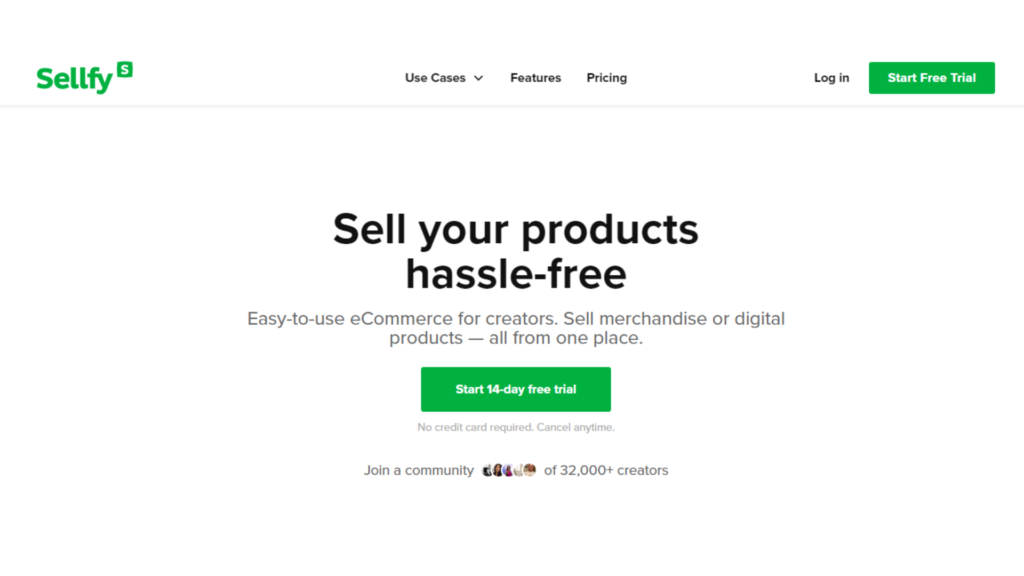
Sellfy is a comprehensive e-commerce platform designed for creators and entrepreneurs to sell digital products, subscriptions, and print-on-demand items. With Sellfy, you can set up an online store quickly, manage products, and track sales—all from a single dashboard. It’s ideal for those looking to monetize their content without the complexity of traditional e-commerce platforms.
Key Features of Sellfy:
- Product Variety: Sell digital files, subscriptions, and print-on-demand products.
- Customization: Fully customizable storefronts to match your brand.
- Marketing Tools: Built-in email marketing, discount codes, and upselling features.
- Analytics: Detailed insights into sales performance and customer behavior.
- No Transaction Fees: Keep 100% of your earnings.
Ideal Users:
Sellfy is perfect for:
- Digital product creators (e.g., eBooks, music, software)
- Subscription-based businesses
- Print-on-demand sellers
- Entrepreneurs seeking a straightforward e-commerce solution
What Is Squarespace?
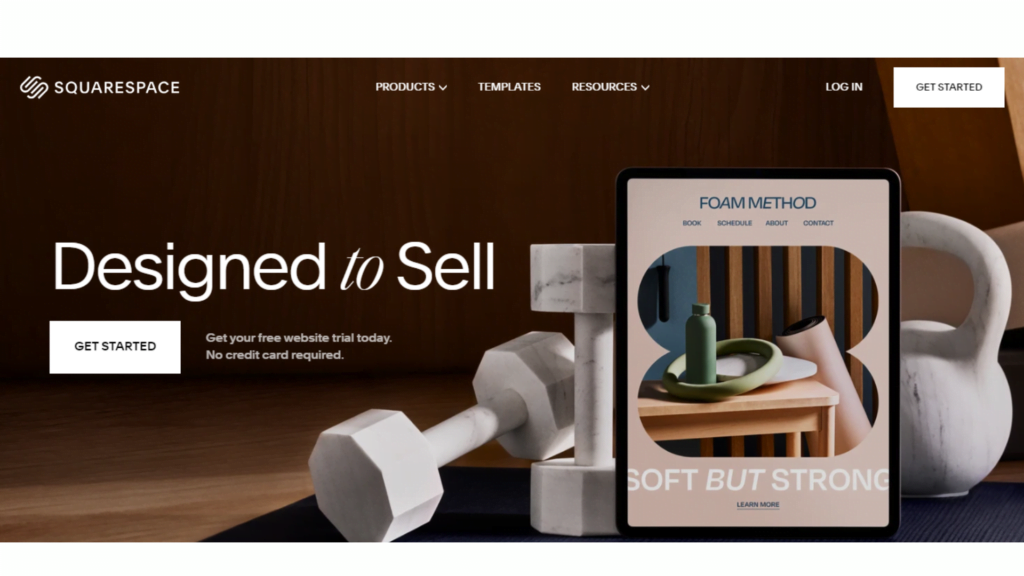
Squarespace is a versatile website builder known for its elegant templates and robust e-commerce capabilities. It’s a go-to platform for creatives and small businesses looking to establish an online presence with a professional look. Squarespace offers tools for building websites, blogs, and online stores, all within an easy-to-use interface.
Key Features of Squarespace:
- Design Flexibility: Access to a wide range of professionally designed templates.
- E-commerce Tools: Sell physical and digital products, manage inventory, and process payments.
- Marketing Features: Built-in SEO tools, email campaigns, and social media integrations.
- Analytics: Track website traffic, sales, and customer data.
- Support: 24/7 customer support and community forums.
Ideal Users:
Squarespace is ideal for:
- Small businesses and entrepreneurs
- Service providers (e.g., consultants, photographers)
- Creative professionals (e.g., artists, designers)
- Anyone seeking a visually appealing online presence
Similarities Between Sellfy and Squarespace
- E-commerce Capabilities: Both platforms allow you to sell products online.
- Customization: Offer customizable storefronts to align with your brand.
- Marketing Tools: Provide tools to promote your products and engage with customers.
- Analytics: Offer insights into sales and customer behavior.
Differences Between Sellfy and Squarespace
| Feature | Sellfy | Squarespace |
| Product Focus | Digital products, subscriptions, print-on-demand | Physical and digital products, services |
| Ease of Use | Extremely user-friendly for creators | Intuitive interface with drag-and-drop builder |
| Design Options | Fully customizable storefronts | Professionally designed templates |
| Transaction Fees | None | Varies by plan (up to 3%) |
| Ideal For | Digital product sellers and creators | Small businesses and creatives |
Pricing Comparison: Sellfy vs. Squarespace
When selecting between Sellfy and Squarespace, understanding their pricing structures is crucial. Let’s delve into the details:
Sellfy Pricing Plans
Sellfy offers three pricing tiers designed to cater to different business needs. As of April 2025, the plans are:
- Starter Plan: $22/month (billed annually)
- Business Plan: $59/month (billed annually)
- Premium Plan: $119/month (billed annually)
Note: Monthly billing options are available at higher rates.
Features by Plan:
- Starter: Ideal for beginners, offering essential tools to start selling online.
- Business: Includes advanced marketing tools and integrations.
- Premium: Provides comprehensive features, including subscription management and priority support.
Squarespace Pricing Plans
Squarespace provides a range of plans suitable for various needs. As of April 2025, the plans are:
- Basic Plan: $25/month (billed annually)
- Core Plan: $36/month (billed annually)
- Plus Plan: $56/month (billed annually)
- Advanced Plan: $139/month (billed annually)
Note: Monthly billing options are available at higher rates.
Features by Plan:
- Basic: Suitable for personal websites with essential features.
- Core: Adds e-commerce capabilities and advanced analytics.
- Plus: Offers enhanced marketing tools and integrations.
- Advanced: Provides comprehensive e-commerce features, including abandoned cart recovery and advanced shipping options.
Comparison Table: Pricing
| Plan | Sellfy Monthly Price | Sellfy Annual Price | Squarespace Monthly Price | Squarespace Annual Price |
| Starter | $22/month | $264/year | $25/month | $300/year |
| Business | $59/month | $708/year | $36/month | $432/year |
| Premium | $119/month | $1,428/year | $56/month | $672/year |
| Advanced | N/A | N/A | $139/month | $1,668/year |
User Experience & Ease of Use
When choosing between Sellfy and Squarespace, it’s important to consider how easily you can use each platform, whether you’re a beginner or an experienced seller.
Sellfy is incredibly easy to use, especially if you’re just starting out. The platform is designed for digital product creators, so the setup process is streamlined. With its drag-and-drop builder, you can quickly create product pages, upload files, and set up payments without needing any technical skills. The interface is minimalist, which makes it easy to navigate. Sellfy also offers tutorials and step-by-step guides to help you along the way, so there’s little to no learning curve. However, the simplicity of the platform may limit more advanced customization, especially if you’re looking to create a unique, highly personalized store.
On the other hand, Squarespace is also known for its ease of use, but it offers more flexibility and customization options, which can make it feel a bit overwhelming for beginners. The platform’s design-oriented nature means you have the ability to create stunning websites and online stores, but this also means a steeper learning curve. Squarespace’s drag-and-drop builder is intuitive, but because it allows more customization, it may take a bit longer to get used to. Fortunately, Squarespace provides excellent onboarding resources and tutorials, which can help ease the learning process.
Comparison Table: User Experience
| Feature | Sellfy | Squarespace |
| Ease of Use | Simple and beginner-friendly | Easy but more complex for beginners |
| Dashboard Design | Clean and minimal | Modern, sleek, and customizable |
| Learning Curve | Low – quick to get started | Higher – more options to learn |
| Onboarding Support | Step-by-step tutorials | Detailed guides and resources |
🌟 Winner: Sellfy – If you’re looking for a hassle-free, user-friendly platform to quickly start selling, Sellfy is the way to go. Squarespace is a great option if you need more customization and are willing to spend a bit more time learning the ropes.
E-commerce Features
When it comes to selling products online, having the right tools at your disposal is essential. Here’s how Sellfy and Squarespace compare in terms of e-commerce features.
Sellfy is perfect for digital product sellers. It allows you to easily set up your online store and start selling products like e-books, music, software, and more. Sellfy supports both digital and physical products, integrates with payment processors like PayPal and Stripe, and includes tools for upselling, cross-selling, and running promotions. The checkout process is simple, and managing your products and orders is straightforward. However, Sellfy is a bit more limited when it comes to advanced e-commerce features, such as customer reviews, complex shipping options, or detailed analytics.
Squarespace, on the other hand, offers a more robust e-commerce solution. While it’s also a great platform for digital products, it’s particularly well-suited for businesses selling both physical and digital items. Squarespace provides more advanced e-commerce tools, such as customizable shipping options, inventory management, and tax handling. It also supports digital downloads, subscriptions, and gift cards, which makes it a versatile choice for a variety of online businesses. Additionally, Squarespace includes features like abandoned cart recovery, discount codes, and advanced reporting, giving you more control over your online store’s performance.
Comparison Table: E-commerce Features
| Feature | Sellfy | Squarespace |
| Product Type Support | Digital & physical products | Digital & physical products |
| Payment Integrations | PayPal, Stripe | PayPal, Stripe, and more |
| Advanced Tools | Upselling, cross-selling | Abandoned cart recovery, gift cards, inventory management |
| Shipping Options | Basic shipping options | Advanced shipping & tax handling |
| Customization | Limited customization | Highly customizable |
🌟 Winner: Squarespace – If you need a more complete, feature-rich e-commerce platform, Squarespace offers advanced options like inventory management and abandoned cart recovery. Sellfy is great for a straightforward, no-fuss solution, especially for digital products.
Customization & Design Flexibility
How important is the design and customization of your store? Here’s how Sellfy and Squarespace compare in this area.
Sellfy offers basic design templates that are clean and functional, making it easy to get your store online quickly. However, the customization options are fairly limited compared to Squarespace. While you can adjust the look of your store to some extent, Sellfy doesn’t offer the same level of design flexibility. This can be a benefit if you want a straightforward, no-frills store that’s easy to set up. But if you want to create a more unique, branded experience, Sellfy’s options may feel restrictive.
Squarespace shines in the design department. With its sleek, modern templates and a wide range of customization options, you can create a fully personalized website or store. The platform offers full control over fonts, colors, and layout, allowing you to match your branding and style perfectly. Squarespace also allows you to integrate custom CSS for advanced users who want even more control. If the design is a top priority, Squarespace will be the clear choice.
Comparison Table: Customization & Design
| Feature | Sellfy | Squarespace |
| Design Templates | Clean but limited | Sleek and highly customizable |
| Customization Options | Limited, basic settings | Full design control (including CSS) |
| Branding Flexibility | Basic design tools | Advanced branding capabilities |
| User-Friendly Design | Easy to use and set up quickly | More complex, but offers more flexibility |
🌟 Winner: Squarespace – If customization and design flexibility are essential for you, Squarespace is the better option, offering a more polished and personalized design experience.
Customer Support
When running an online store, having access to reliable customer support is crucial. Here’s how Sellfy and Squarespace stack up in this category.
Sellfy offers solid customer support, with options like live chat and email support available to help users with any issues they encounter. The platform is designed to be intuitive, so most users will rarely need support, but when they do, Sellfy provides timely and helpful assistance. There’s also an extensive knowledge base and community forum for self-service support, which is great for troubleshooting common issues.
Squarespace also offers excellent customer support, with 24/7 live chat and email support. The platform has a comprehensive help center with articles, guides, and video tutorials to assist users. Additionally, Squarespace offers priority support for higher-tier plans, making it a good choice for businesses that need more dedicated attention. While Squarespace’s support is generally top-notch, some users may find the platform’s more advanced features require more detailed assistance, especially when dealing with customization or complex e-commerce setups.
Comparison Table: Customer Support
| Feature | Sellfy | Squarespace |
| Live Chat | Available | 24/7 live chat available |
| Email Support | Available | Available, plus priority support |
| Knowledge Base | Extensive | Comprehensive help center |
| Community Forum | Active user community | Active user community |
🌟 Winner: Squarespace – Both platforms offer reliable support, but Squarespace’s 24/7 live chat, priority support, and comprehensive help resources make it the better option for users who need more extensive assistance.
Pros and Cons of Sellfy
Pros
✅ Super Easy to Use – No Tech Skills Needed
Sellfy is perfect for beginners or creators who want a no-fuss platform to sell digital and physical products. The interface is clean and intuitive, and you don’t need to know anything about coding or design. Just upload your product, set a price, and start selling—it’s that simple. Whether you’re a musician, writer, coach, or content creator, Sellfy helps you get online fast without the learning curve.
✅ All-in-One Platform for Digital Creators
One of the best things about Sellfy is that it offers everything you need to run a digital product business in one place. You can sell downloads, subscriptions, and even print-on-demand merchandise. Plus, it has built-in email marketing tools, discount code features, and upsell options—all under one roof.
✅ No Transaction Fees on Any Plan
Unlike some other platforms that eat into your profits with transaction fees, Sellfy lets you keep 100% of your revenue (aside from standard payment processor fees). This makes it a great choice for creators who want predictable costs and don’t want to worry about fees cutting into their margins.
✅ Built-in Marketing Tools
Sellfy comes with ready-to-use marketing features like email campaigns, promo codes, product upsells, and cart abandonment emails (on higher-tier plans). These tools help you increase your revenue without needing any extra plugins or integrations.
✅ Instant Product Delivery & Secure Hosting
Sellfy takes care of secure hosting and instant delivery for your digital products. Customers get access to their files immediately after purchase, and you can rest easy knowing your content is protected. It also supports large file sizes, which is great if you’re selling things like video courses or music albums.
✅ Simple Storefront Customization
You can customize your Sellfy storefront with your logo, colors, and layout preferences. While it’s not as flexible as a full website builder, it offers enough to make your store feel like your own without overwhelming you with options.
Cons
❌ Limited Design and Branding Options
Sellfy’s simplicity is a strength, but it also means there are fewer customization options when it comes to store design. If you’re looking to build a completely unique or branded experience, the platform’s design limitations might leave you wanting more.
❌ Not Ideal for Full Website Building
Sellfy works great as an online store, but it’s not meant to be a full-blown website builder. If you need multiple pages, blogs, galleries, or service pages, you’ll need to integrate Sellfy with another site or use workarounds.
❌ Fewer Integration Options
Sellfy has some key integrations, like PayPal, Stripe, Google Analytics, and Facebook Pixel. However, it doesn’t offer as many third-party apps or integrations as more advanced platforms like Squarespace or Shopify. That could be limiting if you rely on specific tools.
❌ Basic SEO and Blogging Tools
Sellfy offers only minimal SEO settings and no blogging functionality. This could be a drawback if organic traffic and content marketing are important to your growth strategy.
❌ Advanced Features Limited to Higher Plans
While the Starter plan offers all the essentials, advanced tools like cart abandonment recovery and product migration are only available in the higher-priced plans. This may require upgrading sooner if your business scales quickly.
Pros and Cons of Squarespace
Pros
✅ Beautiful, Professional Templates
Squarespace is widely known for its stunning templates. Whether you’re a photographer, designer, or small business owner, you’ll find layouts that look polished and modern right out of the box. These templates are fully responsive, so they look great on any device.
✅ Full Website Builder with E-commerce Capabilities
Unlike Sellfy, Squarespace is a complete website platform. You can create multiple pages, blogs, portfolios, and even schedule appointments. Plus, you can add an online store with features for both digital and physical products, making it a solid all-in-one solution for businesses that want a full web presence.
✅ Advanced Design Customization
Squarespace gives you control over fonts, colors, spacing, and layout—and even allows custom CSS for those who want more flexibility. It’s ideal for users who want to fine-tune their site’s look and feel beyond basic storefront branding.
✅ Built-In Blogging & SEO Tools
Squarespace makes it easy to create blog posts, optimize content for search engines, and track how your site is performing. Its built-in SEO settings, meta descriptions, and clean code structure give your site a solid foundation for ranking on search engines.
✅ 24/7 Customer Support
Whether it’s 3 PM or 3 AM, Squarespace offers live chat and email support around the clock. Their help center is also packed with guides, videos, and FAQs, so you can usually find what you need quickly—even without speaking to a support rep.
✅ Wide Range of Integrations
Squarespace integrates with a broad selection of third-party services, including payment gateways, marketing tools, shipping providers, and social media platforms. It’s much more robust than Sellfy in this area, especially for users running complex operations.
Cons
❌ Higher Pricing for E-commerce Features
While Squarespace’s basic website plans are affordable, you’ll need to pay more for plans that include e-commerce tools like abandoned cart recovery or advanced shipping. This makes it less budget-friendly for users who are just getting started with online sales.
❌ Transaction Fees on Lower Plans
If you’re using the Business plan (not one of the Commerce plans), Squarespace takes a transaction fee on every sale. This can quickly add up if you’re selling a lot of products, pushing you to upgrade to a more expensive plan.
❌ Steeper Learning Curve for New Users
Because it offers more design and customization options, Squarespace isn’t quite as beginner-friendly as Sellfy. It takes a bit more time to learn how to use all the tools effectively—especially if you’re not familiar with website builders.
❌ Not Built Specifically for Digital Products
While Squarespace supports digital downloads, it’s not built with digital-first sellers in mind. There are no built-in tools for large file hosting or secure streaming like some creator-focused platforms offer. You might need extra apps to achieve the same functionality you’d get out of the box with Sellfy.
❌ No Built-In Affiliate System
Unlike Sellfy, Squarespace doesn’t have its own affiliate program feature. If you want to set up affiliate marketing, you’ll need to rely on third-party tools or custom code.
Which One Should You Choose?
💡 Go with Sellfy if:
✅ You’re a creator or digital product seller who wants a simple, no-fuss platform to start selling fast
✅ You want built-in e-commerce, email marketing, and upselling tools without needing extra plugins
✅ You prefer an affordable, flat-pricing model with no transaction fees
✅ You don’t need a full website builder and are more focused on selling products directly
✅ You want secure hosting and automatic delivery for digital downloads
💡 Go with Squarespace if:
✅ You’re building a full website with multiple pages, blog posts, or service offerings
✅ You need advanced customization and design flexibility
✅ You want to run a content-based business with strong SEO and blogging tools
✅ You’re selling both physical and digital products and need inventory or shipping features
✅ You prefer having access to 24/7 customer support and extensive third-party integrations
Final Thoughts
Sellfy is ideal for creators who want to focus purely on selling digital products without getting bogged down in technical setups. It’s budget-friendly, easy to use, and includes all the essentials for running a small online store.
Squarespace, on the other hand, is better suited for businesses or professionals who need a full-featured website with advanced customization and e-commerce capabilities. While it has a steeper learning curve, it offers more flexibility and scalability in the long run.
Both platforms have their strengths—so your choice should depend on what kind of business you’re running and how much control you want over design and functionality. 🚀
FAQs: Your Questions Answered
1. Which platform is better for selling digital products?
Sellfy is specifically designed for digital products, making it the preferred choice for creators focused on selling digital goods like eBooks, music, or video content.
2. Can I sell physical products on both platforms?
Yes, both Sellfy and Squarespace allow you to sell physical products. However, Squarespace offers more advanced inventory and shipping options.
3. Is Squarespace more expensive than Sellfy?
Squarespace offers a range of pricing plans, some of which may be more expensive than Sellfy’s straightforward pricing, especially when considering transaction fees and additional features.
4. Can I switch from one platform to the other without losing my data?
Switching platforms may require manual migration of content and products, as there’s no direct transfer tool between Sellfy and Squarespace. It’s advisable to consider the long-term fit before choosing.
5. Which platform is easier to use for beginners?
Sellfy offers a more straightforward setup for beginners, especially those focused on digital products. Squarespace, while user-friendly, may have a steeper learning curve due to its extensive customization options.

Srishti Gaur is an accomplished SEO Associate with a strong background in content creation and software technology. With a knack for crafting strategies that drive traffic and improve search rankings, she combines her expertise in SEO with a deep understanding of tech tools and platforms. Passionate about bridging the gap between technology and impactful content, Srishti helps businesses grow their online presence and achieve measurable results.


















