In the realm of video editing, the quest for the perfect editing tool seems never-ending. With myriad options available, each boasting unique features and capabilities, how does one choose the right software? Today, we dive deep into the world of video editing, comparing two titans in the industry:
Final Cut Pro and Flixier. Whether you’re a budding filmmaker, a seasoned content creator, or somewhere in between, this comprehensive analysis aims to guide you through the maze of editing software options, ensuring your next project not only meets but exceeds expectations.
Table of Contents
What is Final Cut Pro?
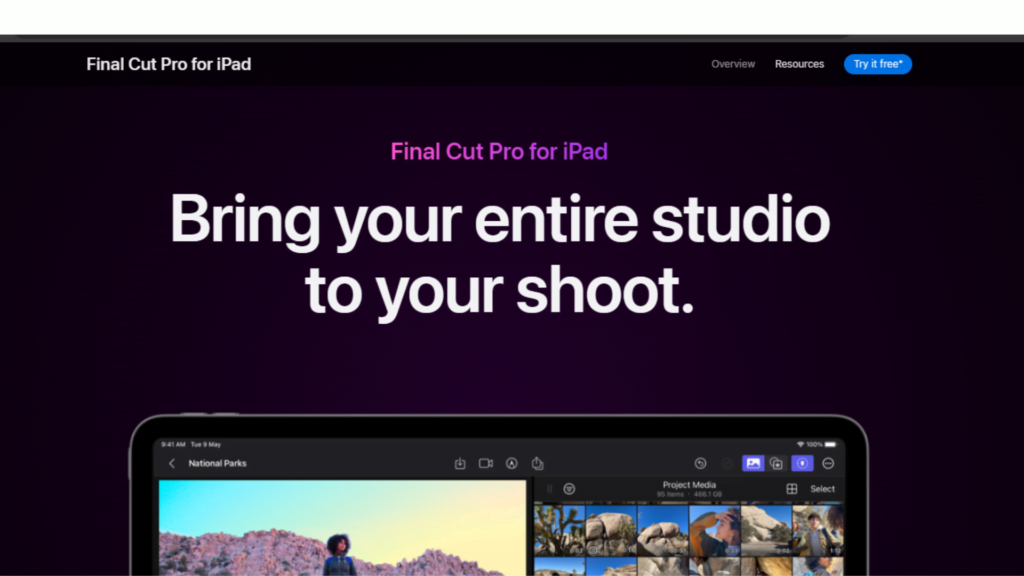
Final Cut Pro is a professional video editing software developed by Apple Inc. exclusively for Mac users. Renowned for its powerful editing capabilities, it offers a magnetic timeline for flexible storytelling, advanced color grading, 360° VR editing, and multicam support among its myriad features
. Designed to leverage Apple’s hardware efficiently, it provides smooth, real-time performance for editing and rendering complex projects. Ideal for filmmakers, content creators, and video professionals, Final Cut Pro combines high-level precision with a comprehensive suite of tools to produce cinematic-quality videos.
Final Cut Pro Features:
- Magnetic Timeline: Offers innovative editing features that automatically avoid clip collisions and sync problems, providing a more flexible and user-friendly editing experience.
- Advanced Color Grading: Comprehensive color correction tools enable detailed manipulation of color, light, and saturation, making it easier to achieve cinematic quality.
- 360° VR Editing: Supports editing of 360-degree VR footage, including options for viewing and editing in real-time, offering a seamless VR editing workflow.
- Multicam Editing: Allows for the simultaneous editing of footage from multiple cameras, making it easier to manage multi-angle shots and synchronize clips based on audio for seamless editing.
- Motion Graphics and Effects: Comes with a powerful set of built-in tools for motion graphics, plus the ability to use third-party plugins for enhanced effects and animations.
- Optimized Performance for Mac: Designed to leverage the full power of Apple’s hardware, ensuring smooth playback and fast rendering times, even for demanding video formats.
Pros and Cons of Final Cut Pro
Pros:
- High-level precision and control over video editing, suitable for professional use.
- Extensive range of advanced features and effects.
- Optimized for macOS, offering excellent performance on Apple devices.
Cons:
- High cost of entry with a one-time purchase price.
- Available exclusively on macOS, limiting accessibility for users of other operating systems.
- Steeper learning curve for beginners due to its complex features.
Final Cut Pro Pricing
- One-Time Purchase: Approximately $299.99, offering full access to all features without any additional subscription fees.
What is Flixier?

Flixier is a cloud-based video editing platform that emphasizes speed, simplicity, and collaboration. Accessible from any device with an internet connection, it caters to a wide range of users, from beginners to professionals.
With its intuitive drag-and-drop interface, real-time collaboration features, and fast rendering times, Flixier makes video editing accessible and efficient.
Users can take advantage of built-in stock media, direct publishing to various platforms, and the ability to work on projects from anywhere, without the need for powerful hardware. Flixier is suited for those seeking a flexible, user-friendly solution for rapid video creation and sharing.
Flixier Features:
- Cloud-Based Platform: Enables editing from any device with a web browser, offering unparalleled accessibility and convenience without the need for powerful hardware.
- Real-Time Collaboration: Facilitates teamwork by allowing multiple users to work on the same project simultaneously from different locations, enhancing productivity.
- Drag-and-Drop Interface: Intuitive design makes it easy for users of all skill levels to start editing videos without a steep learning curve.
- Fast Rendering: Utilizes cloud processing for fast video export, significantly reducing the time it takes to render and share your final product.
- Integrated Stock Media: Provides direct access to millions of stock videos, images, and music tracks, simplifying the process of finding and incorporating high-quality media into projects.
- Cross-Platform Compatibility: Works seamlessly across Windows, macOS, Linux, and Chromebooks, ensuring that users can edit and collaborate regardless of their operating system.
Pros and Cons of Flixier:
Pros:
- No need for powerful hardware, as it runs in the cloud.
- Enables real-time collaboration, making it ideal for team projects.
- User-friendly interface suitable for beginners and professionals alike.
Cons:
- Dependent on internet connection quality due to its cloud-based nature.
- While fast and efficient, it may lack some of the advanced features found in desktop software like Final Cut Pro.
- Subscription-based pricing can become costly over time for continuous use.
Flixier Pricing:
- Subscription-Based: Offers various plans, starting from a free tier with basic features to more advanced plans that can range from $10 to $30 per month, depending on the level of access and features required.
Head-to-Head Comparison Between Final Cut Pro Vs Flixier
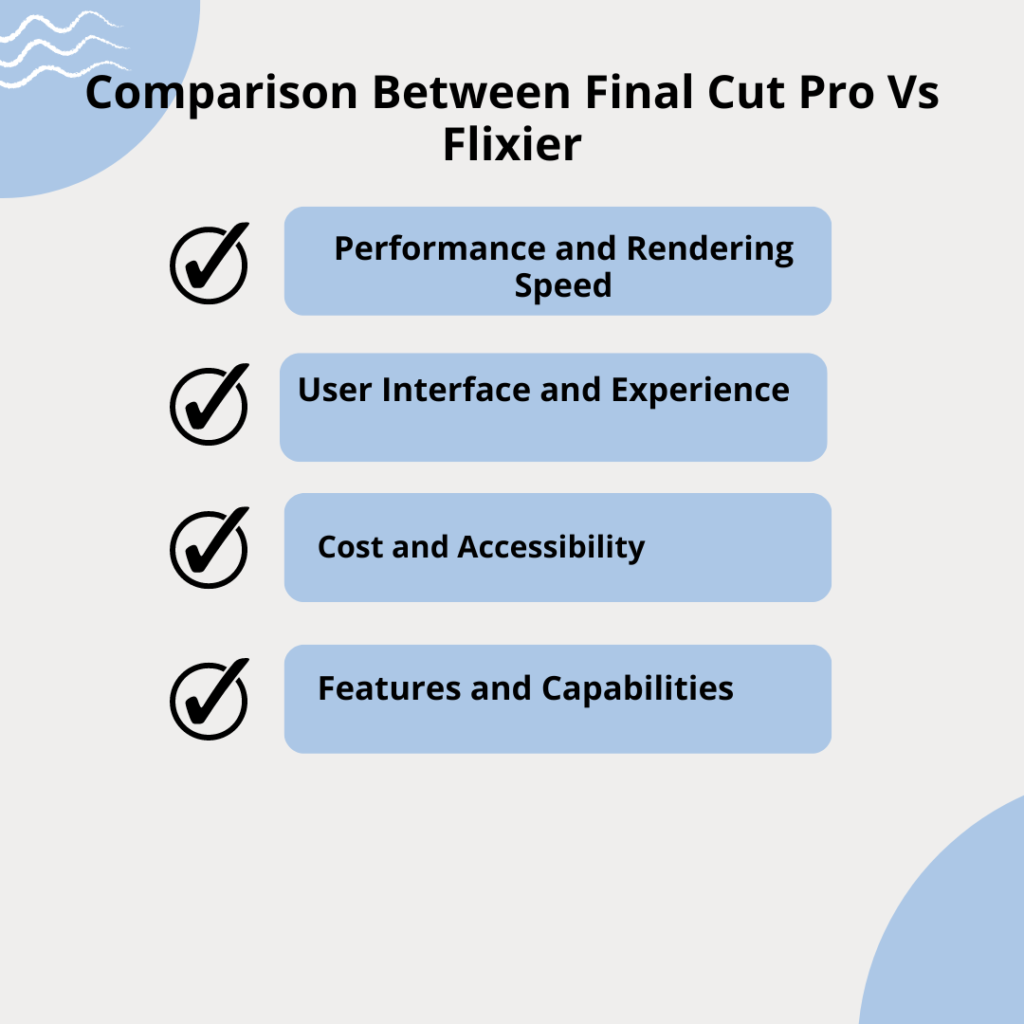
1. Performance and Rendering Speed
Final Cut Pro
- Performance: Leverages Apple’s hardware to offer exceptional performance, especially on machines equipped with Apple silicon chips. It handles complex projects and high-resolution video smoothly, without significant lag.
- Rendering Speed: Thanks to its optimization for macOS, Final Cut Pro boasts fast rendering times, making the workflow more efficient for professional editors who work with large files and complex compositions.
Flixier
- Performance: As a cloud-based platform, Flixier’s performance is less dependent on the user’s hardware and more on internet speed. This can be advantageous for users with less powerful computers but requires a stable and fast internet connection.
- Rendering Speed: Flixier impresses with its cloud-powered rendering, offering quick export times regardless of the local hardware’s capabilities. This feature is particularly beneficial for users needing to publish content quickly.
2. User Interface and Experience
Final Cut Pro
- User Interface: Offers a sophisticated and customizable interface that caters to professionals looking for detailed control over their editing process. The magnetic timeline is a standout feature, enhancing the editing flow but may require a learning curve for newcomers.
- Experience: Designed with the professional editor in mind, providing a wealth of advanced features and customization options. However, this complexity can be overwhelming for beginners.
Flixier
- User Interface: Boasts a clean, intuitive interface that simplifies the video editing process. The drag-and-drop functionality makes it accessible to users of all skill levels, from beginners to intermediates.
- Experience: Prioritizes ease of use and speed, making it an excellent choice for content creators who need to produce videos quickly or collaborate with others easily. The simplicity does come at the cost of some advanced features found in more professional-focused tools like Final Cut Pro.
3. Cost and Accessibility
Final Cut Pro
- Cost: Offers a one-time purchase, which can be seen as a significant upfront investment but beneficial in the long term for users committed to the Apple ecosystem.
- Accessibility: Limited to users of macOS, restricting access for those who use Windows, Linux, or other operating systems.
Flixier
- Cost: Operates on a subscription model, which may be more accessible for users who prefer a lower initial investment. Offers different tiers based on features and needs, including a free tier with basic functionalities.
- Accessibility: Being cloud-based, it is accessible from any device with an internet connection and a web browser, offering unparalleled flexibility compared to platform-specific software like Final Cut Pro.
4. Features and Capabilities
Final Cut Pro
- Advanced Features: Includes a range of professional-grade features such as 360-degree VR editing, advanced color grading, and detailed audio editing capabilities. Its ecosystem also allows for integration with other Apple software and third-party plugins.
- Customization: Offers extensive customization options for the workspace and editing tools, catering to the specific needs of professional editors.
Flixier
- Streamlined Features: Focuses on providing a streamlined set of features that cater to quick and efficient video editing. Includes essential tools like transitions, text overlays, and basic color correction.
- Cloud-Based Collaboration: Enables real-time collaboration features that are not inherently available in Final Cut Pro, making it easier for teams to work together on projects from any location.
Choosing between Final Cut Pro and Flixier
Choose Final Cut Pro if:
- You are a Mac user: Since Final Cut Pro is exclusive to macOS, it’s an option only for those within the Apple ecosystem.
- You require advanced editing capabilities: Final Cut Pro offers a comprehensive suite of professional-grade tools, including advanced color grading, 360° VR editing, and multicam support, making it ideal for filmmakers, video professionals, and serious content creators who demand precision and control over their projects.
- You are willing to invest in a powerful tool: With its one-time purchase price, Final Cut Pro represents a significant investment but pays off in the long run with no additional subscription fees.
Choose Flixier if:
- You value accessibility and collaboration: Flixier’s cloud-based platform allows you to edit from anywhere, on any device with internet access, making it incredibly flexible. Its real-time collaboration feature is a game-changer for teams, enabling multiple users to work on the same project simultaneously from different locations.
- You need fast, efficient editing: With quick rendering times and an intuitive drag-and-drop interface, Flixier is designed for those who need to create professional-looking videos quickly and without a steep learning curve.
- You operate across different operating systems: Flixier’s platform-agnostic approach means you’re not tied to a specific operating system. Whether you’re using Windows, macOS, Linux, or a Chromebook, Flixier has you covered.
FAQs
1. Can I use Final Cut Pro on Windows?
No, Final Cut Pro is exclusively available for macOS and cannot be directly installed on Windows.
2. Do I need a powerful computer to use Flixier?
No, since Flixier is cloud-based, it runs on most modern web browsers, and the processing is done on the cloud, reducing the need for powerful hardware.
3. Is Final Cut Pro suitable for beginners?
While Final Cut Pro is designed with professionals in mind, it offers a range of tutorials for beginners. However, its complex features may require a steeper learning curve.
4. Can I collaborate with others in real-time using Flixier?
Yes, Flixier enables real-time collaboration, allowing multiple users to work on the same project from different locations.
5. Are there any subscription fees for these editing tools?
Final Cut Pro offers a one-time purchase model, whereas Flixier operates on a subscription basis, providing different tiers based on your needs.
Final Thoughts
When comparing Final Cut Pro and Flixier, the choice significantly depends on the user’s specific needs, budget, and working environment. Final Cut Pro stands out for those deeply embedded in the Apple ecosystem, requiring advanced editing capabilities and willing to make a one-time investment.
On the other hand, Flixier appeals to a broader audience, offering flexibility, ease of use, and the ability to edit from anywhere, making it an ideal choice for content creators who value speed and collaboration.

Srishti Gaur is an accomplished SEO Associate with a strong background in content creation and software technology. With a knack for crafting strategies that drive traffic and improve search rankings, she combines her expertise in SEO with a deep understanding of tech tools and platforms. Passionate about bridging the gap between technology and impactful content, Srishti helps businesses grow their online presence and achieve measurable results.