
Ever felt the rush of creative ideas but felt bottlenecked by the complexity of video editing software?
You’re not alone.
Enter Flixier – the game-changer in video editing that promises to transform your creative journey.
Imagine a tool that not only simplifies the editing process but also accelerates your ability to share content with the world. That’s Flixier for you, and you’re about to master it.
Table of Contents
What is Flixier?

Flixier, on the other hand, is a relative newcomer that packs a punch. It distinguishes itself by being cloud-powered, offering lightning-fast rendering times and the ability to work from any device with an internet connection. This platform is a game-changer for collaborative projects, as it allows multiple users to work on the same project in real time, eliminating the tedious back-and-forth of file sharing.
Flixier Features:
- Cloud-Based Editing: Enables editing from any device with an internet connection, offering great flexibility and convenience.
- Real-Time Collaboration: Multiple users can work on the same project simultaneously, making it ideal for team projects.
- Fast Rendering Times: Leveraging the power of cloud computing, Flixier offers incredibly fast rendering times, even for high-resolution videos.
- AI-Powered Tools: Features AI-powered tools for tasks like automatic transcription, which can significantly speed up the editing process.
- Wide Format Support: Supports a broad range of video formats, ensuring compatibility with nearly all types of video files.
- Advanced Editing Features: Offers a suite of advanced editing tools, including motion graphics and color correction, catering to more experienced editors.
Flixier Pros:
- Accessibility: Being cloud-based, it’s accessible from any device, anywhere, as long as you have an internet connection.
- Collaboration-Friendly: The real-time collaboration feature is a significant advantage for teams, making the editing process more efficient.
- No Hardware Limitations: Since processing is done in the cloud, users don’t need high-end hardware to edit high-resolution videos.
Flixier Cons:
- Requires Internet: Dependence on an Internet connection for editing can be a limitation for users with poor or no Internet access.
- Subscription-Based: Unlike iMovie, Flixier operates on a subscription model, which could be a recurring cost concern for some users.
Flixier Pricing:
- Free Tier: Offers basic features and limited cloud storage, suitable for casual users or those looking to try out the platform.
- Pro Plans: Subscription plans start from approximately $10/month, offering additional features, more cloud storage, and higher resolution exports. Pricing can vary based on the specific needs and scale of the project.
A Guide to Mastering Flixier:
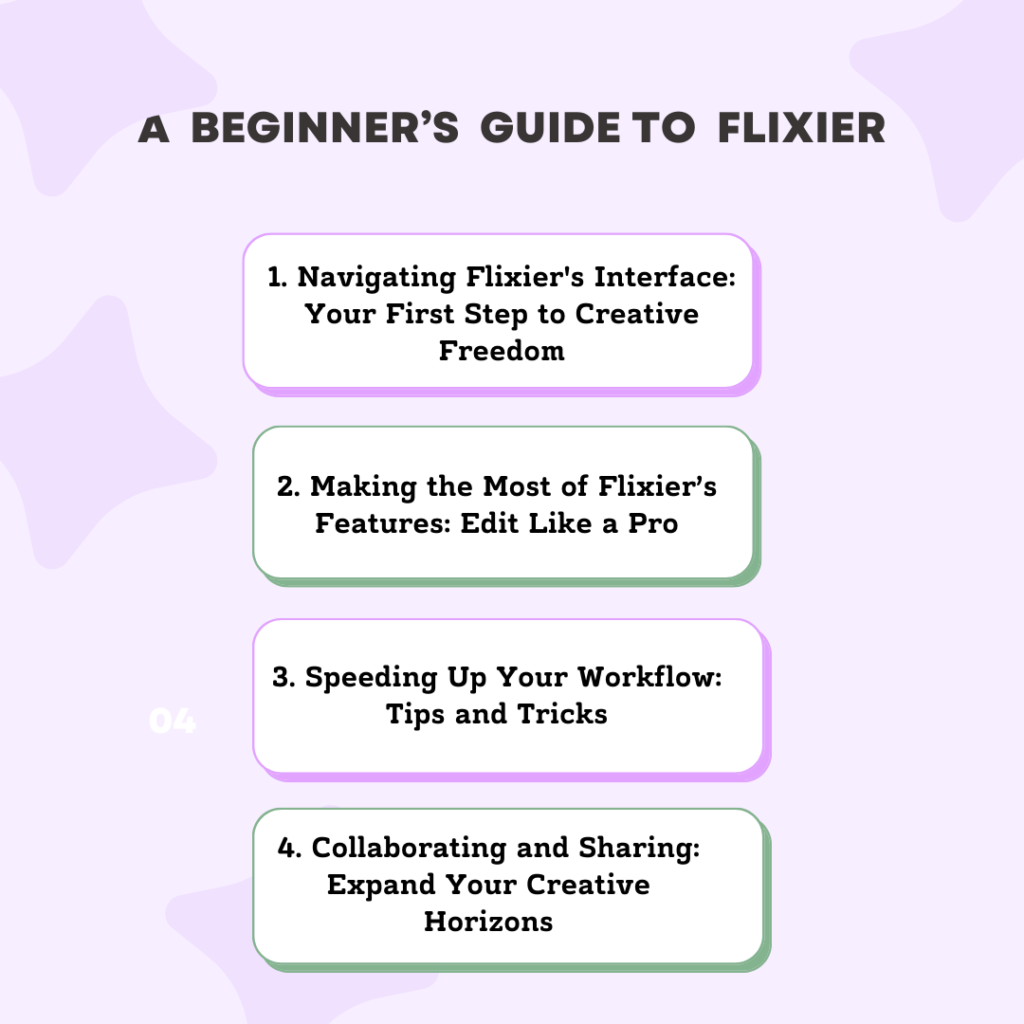
1. Navigating Flixier’s Interface: Your First Step to Creative Freedom
Flixier’s interface is the cockpit of your creative journey, designed to be intuitive yet powerful. Starting with the dashboard, you’ll find everything you need within reach. The timeline is where your story comes to life, allowing for easy drag-and-drop editing. Meanwhile, the media library keeps your assets organized and accessible.
But that’s just the tip of the iceberg. Spend time familiarizing yourself with the toolbar – this is where your editing prowess will truly develop. From cutting clips to adding transitions, each tool is a step towards mastering your craft.
2. Making the Most of Flixier’s Features: Edit Like a Pro
Flixier boasts a plethora of features that can turn a simple video into a masterpiece. The key is knowing how to use them effectively. Start with the basics: trimming and cutting clips to keep your content crisp and engaging. Then, explore more advanced features like color grading to set the mood and add filters for a professional touch.
Don’t forget to leverage text overlays and animations to convey your message clearly. Each feature is a brushstroke in your video’s canvas – use them wisely to bring your vision to life.
3. Speeding Up Your Workflow: Tips and Tricks
One of Flixier’s standout features is its efficiency. To truly benefit, you must learn the shortcuts and features designed to save time. Begin by organizing your projects and media in a way that makes sense to you, enabling quicker access when editing.
Utilize the cloud-based storage for easy collaboration and sharing. Moreover, get acquainted with keyboard shortcuts for common editing tasks – this alone can significantly speed up your workflow. Remember, efficiency in Flixier isn’t just about working faster; it’s about working smarter.
4. Collaborating and Sharing: Expand Your Creative Horizons
Flixier shines when it comes to collaboration. Whether you’re working with a team or seeking feedback from clients, the platform streamlines the process. Share your projects directly within Flixier, allowing for real-time feedback and edits.
This not only enhances the quality of your work but also fosters a collaborative environment where creativity thrives. Embrace this aspect of Flixier, and you’ll find your projects benefiting from diverse perspectives and ideas.
Overcoming Common Challenges: A Beginner’s Troubleshooting Guide
Even with the most user-friendly tools, challenges arise. Here’s how to tackle common ones in Flixier:
- Issue with uploading media? Check your internet connection and ensure the file format is supported.
- Trouble with rendering? Verify your project’s complexity and internet speed. Sometimes, patience is key.
- Audio and video out of sync? This often occurs with variable frame rate footage. Use Flixier’s tools to adjust and align them manually.
- Remember, every challenge is an opportunity to learn and grow in your video editing journey.
FAQs:
1. Can Flixier be used on any device?
Yes, Flixier is cloud-based, so you can use it on any device with a web browser, including laptops, tablets, and smartphones.
2. Is Flixier suitable for beginners?
Absolutely! Flixier is designed with a user-friendly interface that makes it accessible for beginners, while still offering advanced features for more experienced users.
3. How do I share my projects with others for collaboration?
Flixier allows you to share your projects directly within the platform. Simply invite collaborators by email, and they can provide feedback or contribute to the project in real time.
4. Are there any limitations to the free version of Flixier?
The free version of Flixier offers a wide range of features but includes limitations on video quality and length. Upgrading to a premium plan unlocks the full potential of Flixier.
5. How can I ensure my videos render faster?
To speed up rendering, keep your project simpler by minimizing the number of high-resolution clips and effects. Also, a stable internet connection can significantly enhance rendering times.
Conclusion:
Mastering Flixier is not just about understanding its features; it’s about unlocking your potential to create engaging, high-quality videos with ease. Whether you’re a content creator, marketer, or educator, Flixier offers the tools to bring your ideas to life.
Embrace the journey, experiment with features, and remember: that every great editor once started as a beginner. Dive in, and let Flixier be the canvas for your creative expression.

Srishti Gaur is an accomplished SEO Associate with a strong background in content creation and software technology. With a knack for crafting strategies that drive traffic and improve search rankings, she combines her expertise in SEO with a deep understanding of tech tools and platforms. Passionate about bridging the gap between technology and impactful content, Srishti helps businesses grow their online presence and achieve measurable results.