

In 2024, video content continues to reign supreme in the digital world. However creating engaging and professional-quality videos from scratch can be a time-consuming process—especially for businesses, educators, and content creators with tight schedules. That’s where AI-powered text-to-video generators come into play.
These tools allow you to transform simple text inputs into eye-catching videos without any video-editing expertise. Below, we dive deep into the top 5 text-to-video generators you should consider in 2024. We’ll explore their features, pricing, pros, and cons so you can find the one that fits your needs.
Table of Contents
Top AI Video Generators: A Comparative Overview
Creating videos with AI has become more accessible, thanks to the range of powerful tools available today. In this section, we’ll explore some of the best AI video generators, highlighting their unique features and how they can streamline your video creation process.
Here are the AI video generators we’ll cover:
- Synthesia: Known for its lifelike AI avatars and support for over 120 languages. Perfect for creating professional training, marketing, and corporate videos.
- Pictory: Ideal for turning blog posts into short, engaging videos. It simplifies content repurposing and is great for social media content creation.
- Lumen5: Specializes in transforming text into video with pre-designed templates, making it a top choice for marketers and social media creators.
- Veed.io: A versatile video generator with text-to-video features and advanced editing tools like subtitles and captions, perfect for educators and marketers.
- InVideo: Known for its extensive template library and collaborative editing tools, ideal for teams needing quick, branded video content.
Let’s dive into each of these tools to see how they can make video creation easier, faster, and more effective for your needs.
1. Synthesia.io

Synthesia.io stands out as one of the best text-to-video generators in 2024, making professional video creation seamless. It uses AI to generate realistic video avatars who read your script in a natural way, making it an excellent choice for businesses, educators, and marketers looking to scale video content production.
Key Features:
- AI-generated avatars with realistic voiceovers
- Supports over 120 languages and accents
- Pre-designed templates for ease of use
- Customizable branding options
- Ideal for marketing, HR, e-learning, and training videos
Pros:
- Highly realistic avatars: The avatars feel lifelike, which is great for business and professional use.
- Multi-language support: Synthesia’s vast language capabilities make it suitable for global audiences.
- Ease of use: User-friendly interface that requires no technical knowledge to create videos.
- Template library: Ready-made templates for different types of videos like presentations, tutorials, or social media posts.
Cons:
- Limited avatar customization: While the avatars are realistic, users cannot alter facial features or expressions much.
- Requires a subscription for most features: The free version is quite limited, offering only basic features.
Pricing:
- Personal Plan: $30/month for 10 video credits (5 minutes per video credit)
- Corporate Plans: Custom pricing based on enterprise needs (includes collaboration features, priority support, and more)
Best For: Corporate training, marketing videos, and multi-language content.
2. Pictory.ai
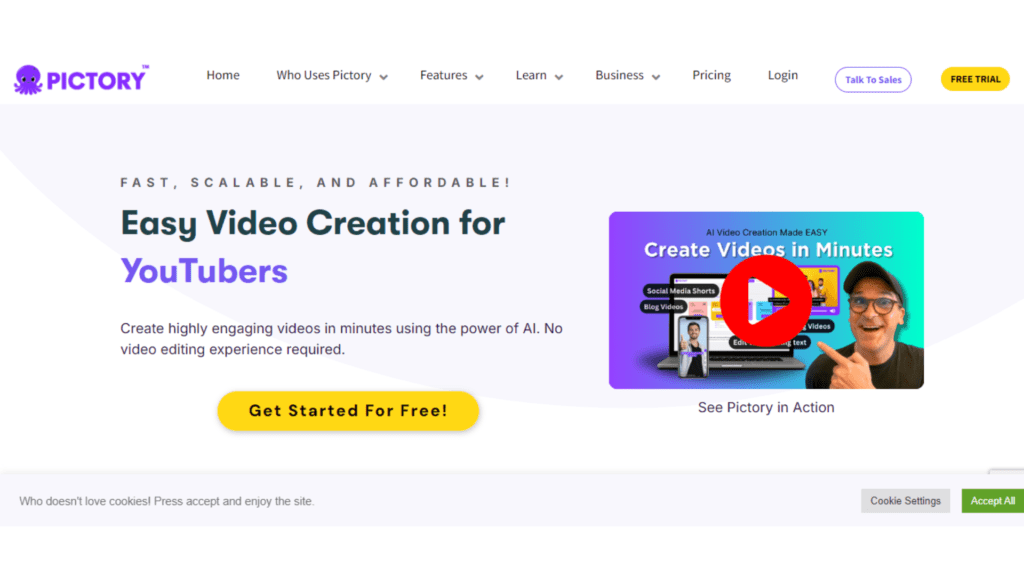
Pictory.ai offers a solution for anyone who wants to turn long-form content such as blog posts, webinars, or even podcasts into short, engaging videos. It automates video creation by summarizing the main points of your content and matching them with relevant visuals from its stock library.
Key Features:
- Automatically turns scripts, blog posts, and articles into videos
- AI-powered video summarization
- Built-in stock video and music library
- Voiceover and caption support
- Social media-ready video formats
Pros:
- Fast content repurposing: Great for repurposing blog posts and podcasts into shareable videos.
- Customizable templates: Offers flexibility in the design of the final output.
- User-friendly interface: Easy for beginners to use without needing video editing experience.
- Saves time: Automates a lot of the manual work, making it quicker to produce video content.
Cons:
- Limited customization: Though templates are available, the level of customization is less compared to other advanced tools.
- Stock assets are limited: Some users report that the stock video library could be expanded.
Pricing:
- Standard Plan: $19/month (up to 30 videos per month)
- Premium Plan: $39/month (unlimited video length, 60 videos/month, custom branding)
- Enterprise Plan: Custom pricing available for large businesses
Best For: Content marketers looking to repurpose blogs or podcasts into videos.
3. Lumen5
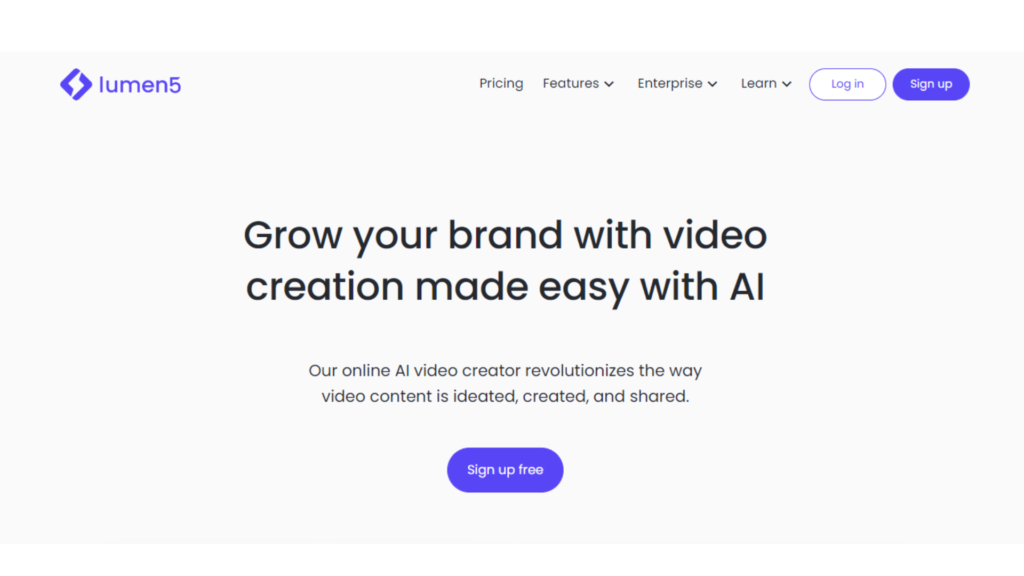
Lumen5 is another top contender, particularly for social media marketers. It automatically converts your text into engaging video stories using AI, making it a fantastic tool for social media, blogs, and marketing campaigns. Its easy-to-use drag-and-drop interface makes creating videos a breeze, even for beginners.
Key Features:
- Automatically generates video from blog posts and scripts
- Drag-and-drop editor for customization
- Library of licensed stock images, videos, and music
- Pre-built templates for different industries
- Built-in social media publishing
Pros:
- Beginner-friendly: Lumen5 is very simple to use, perfect for those without video editing experience.
- Content repurposing: It excels at converting blogs and other text-based content into videos.
- Wide range of templates: Provides pre-built templates for various industries, making video creation fast.
- Good social media integration: You can directly publish your videos to platforms like Facebook, Instagram, and LinkedIn.
Cons:
- Limited video length: Lumen5’s free plan restricts you to shorter videos, which may not suit all users.
- Free plan branding: Videos created on the free plan have the Lumen5 watermark, which can only be removed by upgrading.
Pricing:
- Free Plan: Limited features, including Lumen5 watermark on videos
- Basic Plan: $19/month (no watermark, 10 videos/month)
- Starter Plan: $59/month (unlimited videos, no watermark, and higher-quality videos)
- Professional Plan: $149/month (access to premium features like custom branding and advanced editing tools)
Best For: Social media marketers and content creators who need to churn out videos quickly.
4. Veed.io
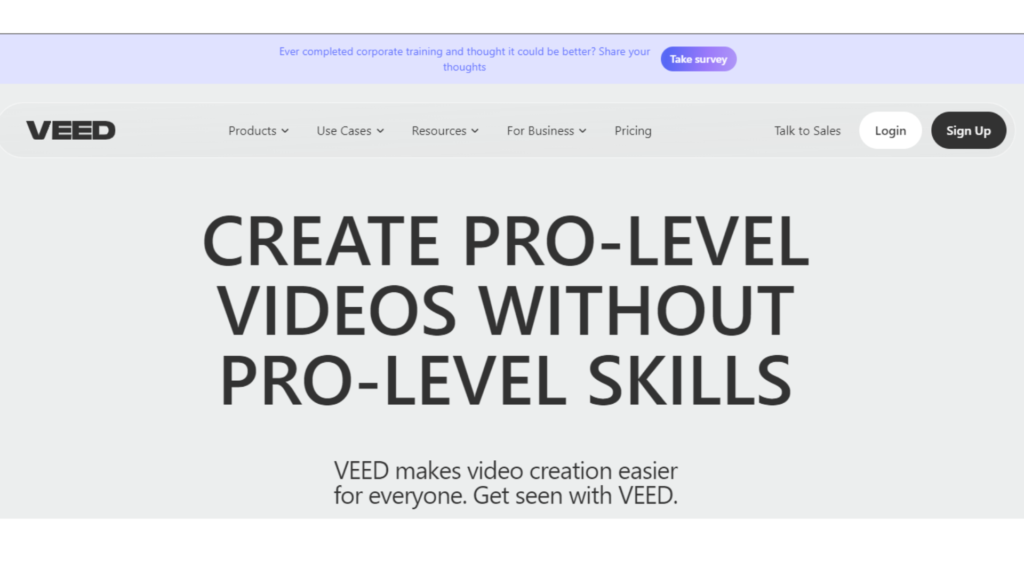
Veed.io is a feature-rich online video editor that allows users to create text-based videos effortlessly. It offers a variety of editing tools like adding subtitles, captions, and special effects. Its text-to-video feature is versatile and user-friendly, making it a solid option for professionals in education, marketing, and media.
Key Features:
- Subtitle and caption generator
- Text-to-video feature
- Audio transcription tools
- Screen and webcam recording capabilities
- Stock videos and animations
Pros:
- Comprehensive editing tools: Not just a text-to-video generator; also offers advanced video editing options.
- Ease of use: Drag-and-drop interface with a simple learning curve.
- Subtitle generation: Automatically adds captions, a plus for accessibility and SEO.
- Collaborative tools: Teams can work on the same video, making it great for businesses and agencies.
Cons:
- Limited stock library: Although it has some stock assets, the collection is not as extensive as other platforms.
- Rendering time: Larger or more complex videos can take time to render.
Pricing:
- Free Plan: Limited features and watermarked videos
- Basic Plan: $12/month (up to 20GB of storage, no watermark)
- Pro Plan: $24/month (premium features, including custom templates and full HD videos)
- Business Plan: $59/month (collaborative tools and advanced editing)
Best For: Content creators needing a comprehensive video creation and editing solution.
5. InVideo
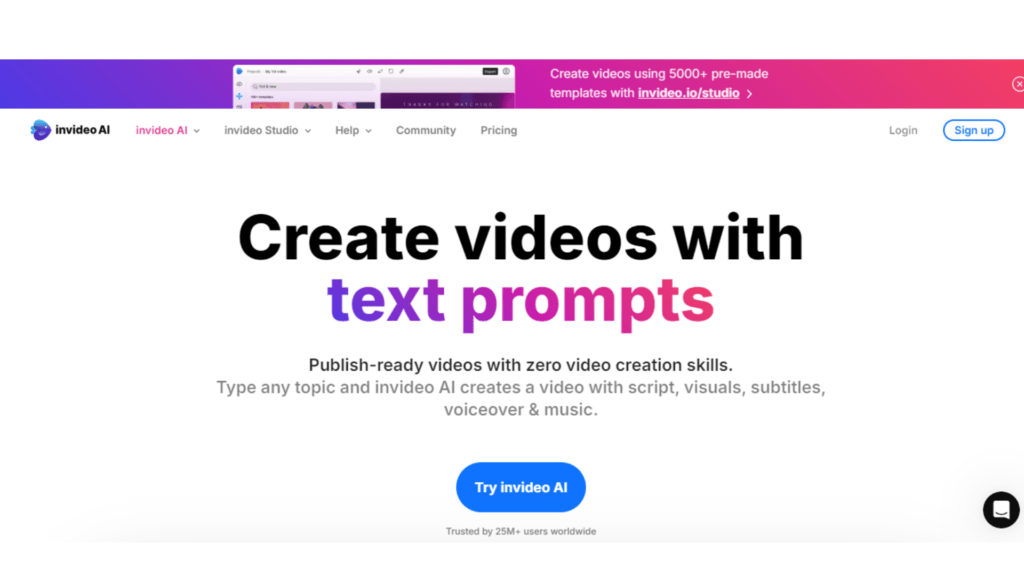
InVideo is a go-to tool for marketers and creators who want creative control over their text-to-video projects. With a vast library of templates and stock assets, InVideo simplifies the process of turning scripts into high-quality videos that fit your branding needs.
Key Features:
- 5,000+ pre-designed video templates
- Text-to-video automation
- Built-in media library (videos, images, and music)
- Custom branding options
- Team collaboration tools
Pros:
- Extensive template library: Offers a wide variety of templates, making it quick and easy to start projects.
- Advanced editing features: Offers more creative control than some of its competitors.
- Custom branding: Users can easily incorporate their logos and brand elements into videos.
- Collaborative editing: Teams can collaborate on video projects, which is great for agencies.
Cons:
- Steep learning curve: While powerful, InVideo may require some time to master.
- Rendering time: Can be slow for longer or more complex videos.
Pricing:
- Free Plan: Includes InVideo watermark
- Business Plan: $15/month (no watermark, access to premium templates and media)
- Unlimited Plan: $30/month (unlimited projects and premium features)
Best For: Marketers, businesses, and agencies that need creative freedom and collaborative tools for video production.
Feature Comparison Table
These AI video generators have unique features, catering to various needs like marketing, education, and content creation. Below is a comparison of their key features, pricing, pros, and cons to help you choose the right tool for your video production needs.
| Tool | Key Features | Pricing | Pros | Cons |
| Synthesia.io | AI avatars, multilingual support, customizable templates | Starts at $30/month | Realistic avatars, supports 120+ languages, easy script input | Limited avatar customization, higher price for smaller businesses |
| Pictory | Auto video creation from blogs, stock media, voiceovers | Free tier; Pro starts at $19/month | Ideal for content marketers repurposes blog content into videos | Less natural AI voiceovers, limited editing flexibility |
| Lumen5 | Text-to-video, drag-and-drop editing, social media templates | Free tier; Pro starts at $19/month | Great for social media videos, easy for beginners | Free plan adds watermarks, limited customization in free tier |
| Veed.io | Text-to-video, subtitle generator, full video editor | Free tier; Basic starts at $12/month | Comprehensive editing tools, subtitle generation, easy for teams | Limited stock library, longer render times for complex videos |
| InVideo | 5000+ templates, text-to-video, team collaboration | Free tier; Business starts at $15/month | Extensive template library, team collaboration, flexible editing | Watermarks in free version, learning curve for advanced features |
Other Major Players
Industry giants like Adobe, Apple, and Meta are reportedly developing their own AI-powered video tools. While details are still scarce, the buzz surrounding these developments is high. Given these companies’ history of innovation in both AI and media, their tools are expected to bring groundbreaking features to the video creation space.
As these new tools emerge, they are likely to push the boundaries of what’s possible in AI video production, making it even easier and more efficient to create high-quality content. The impact could be transformative across industries, from entertainment to education, potentially ushering in a new era of creativity and productivity in video making.
Conclusion: Choosing the Best Text-to-Video Generator for You
In 2024, video content remains crucial to any successful digital strategy. Whether you’re a marketer, educator, or small business owner, the right text-to-video generator can help you quickly create professional-quality videos.
- For a lifelike experience with multi-language support, choose Synthesia.io.
- To repurpose blogs and long-form content, go with Pictory.ai.
- If you’re focusing on social media marketing, Lumen5 is an excellent pick.
- Veed.io stands out for feature-rich editing with accessibility tools.
- For maximum creative control, InVideo is your best bet.
No matter your choice, these AI-powered tools will help streamline your video creation process, ensuring you deliver top-notch content without breaking a sweat.
FAQs
1. What is a text-to-video generator?
A tool that turns written text into videos using AI, adding visuals, animations, and voiceovers.
2. What kind of content can I create?
You can create marketing videos, tutorials, social media posts, explainer videos, and more.
3. Which is best for businesses?
Synthesia.io is ideal for businesses due to its realistic avatars and multi-language support.
4. Are there free options?
Yes, tools like Lumen5 and InVideo offer free plans with limitations like watermarks.
5. How much do they cost?
Pricing starts at $12/month for Veed.io and goes up to $30/month for Synthesia.io.

Srishti Gaur is an accomplished SEO Associate with a strong background in content creation and software technology. With a knack for crafting strategies that drive traffic and improve search rankings, she combines her expertise in SEO with a deep understanding of tech tools and platforms. Passionate about bridging the gap between technology and impactful content, Srishti helps businesses grow their online presence and achieve measurable results.



















