
In a digital age where the average human attention span is shorter than that of a goldfish, engaging your audience through compelling content is not just an advantage; it’s a necessity. Animated explainer videos have emerged as a powerful tool to capture attention, simplify complex ideas, and boost conversion rates.
While HippoVideo has been a go-to solution for many, the evolving needs of content creators call for exploring alternatives that might offer unique features, better pricing, or a more intuitive user experience.
Let’s dive into the vibrant world of animated video creation, examining options that stand out in the crowded marketplace.
Table of Contents
What is HippoVideo?

Hippo Video is a comprehensive video customer experience platform designed to help businesses elevate their marketing, sales, and customer support efforts through personalized video interactions. It allows users to create, edit, share, and track videos with ease, aiming to enhance engagement, conversion rates, and customer satisfaction.
Ideal for professionals looking to leverage video content to stand out in a crowded digital landscape, Hippo Video offers a suite of tools that integrate seamlessly with existing workflows and platforms.
Features of HippoVideo:
- Video Creation and Editing: Users can easily record videos using a webcam or screen capture, then edit these videos with built-in tools to trim, crop, add effects, and include calls-to-action (CTAs).
- Personalization at Scale: Hippo Video enables the creation of personalized videos where elements can be customized for individual viewers, enhancing engagement and connection with the audience.
- Rich Analytics and Reporting: It provides detailed insights into video performance, including views, watch duration, and engagement metrics, helping users understand viewer behavior and optimize content accordingly.
- Video Email Campaigns: Integrates with popular email marketing platforms to send personalized video emails, making campaigns more engaging compared to traditional text-based emails.
- Sales Acceleration: Offers tools specifically designed for sales teams, such as video prospecting, lead qualification, and video selling techniques, to help close deals faster.
- Customer Support Videos: Enables the creation of detailed support and how-to videos that can be shared with customers to improve the support experience, reduce ticket volume, and increase customer satisfaction.
Pros of HippoVideo:
- Enhanced Engagement: Personalized videos can significantly increase engagement rates, making communications more impactful and memorable.
- Versatility: Suitable for various business functions, including marketing, sales, and customer support, with features tailored to each area.
- Ease of Use: Intuitive interface and straightforward editing tools make it accessible for users of all skill levels.
- Integration: Seamlessly integrates with popular CRM, email, and marketing platforms, enhancing workflow efficiency.
- Detailed Analytics: Offers in-depth insights into video performance, allowing for data-driven decisions and content optimization.
- Scalability: Capable of personalizing videos at scale, making it easier to reach a wide audience in a personalized manner.
Cons of HippoVideo:
- Learning Curve: While user-friendly, mastering all features and functionalities can take time, especially for those new to video content creation.
- Price Point: For small businesses or individuals, the cost can be a barrier, especially for the more advanced features and plans.
- Internet Dependency: Being a cloud-based platform, reliable internet access is crucial for uninterrupted video creation and editing, which might be a limitation in low-bandwidth areas.
Pricing:
Hippo Video offers a tiered pricing structure to cater to different needs and budgets, including a limited free plan and several paid options. As of my last update, the details are as follows:
- Free Plan: Basic features with limited video hosting and bandwidth.
- Pro Plan: Aimed at individual professionals, starting at around $30 per month with advanced editing features and analytics.
- Growth Plan: Designed for small to medium-sized teams, starting at approximately $49 per month, including team collaboration features and higher video limits.
- Enterprise Plan: Custom pricing for larger organizations needing advanced integration, security, and support options.
Why to Opt For HippoVideo:
- All-in-One Platform: Simplifies video creation and distribution by offering a comprehensive suite for editing, hosting, and sharing.
- Personalization at Scale: Enhances engagement and conversion with personalized content for individual viewers or segments.
- Seamless Integrations: Fits into existing workflows with integrations for CRM systems, email platforms, and marketing tools.
- User-Friendly: Accessible to all skill levels, enabling anyone in the organization to create compelling video content easily.
- Rich Analytics: Provides detailed insights into viewer behavior and engagement, allowing for data-driven optimizations.
- Versatility: Offers features tailored for marketing, sales, customer support, and internal communications, making it suitable for various business functions.
- Increased Engagement and Conversions: Features like CTAs and lead capture forms embedded in videos help drive action.
- Cost-Effective: Offers a range of pricing options, including a free plan, making it accessible for businesses of all sizes.
Top Alternatives to HippoVideo for Crafting Engaging Animated Explainer Videos
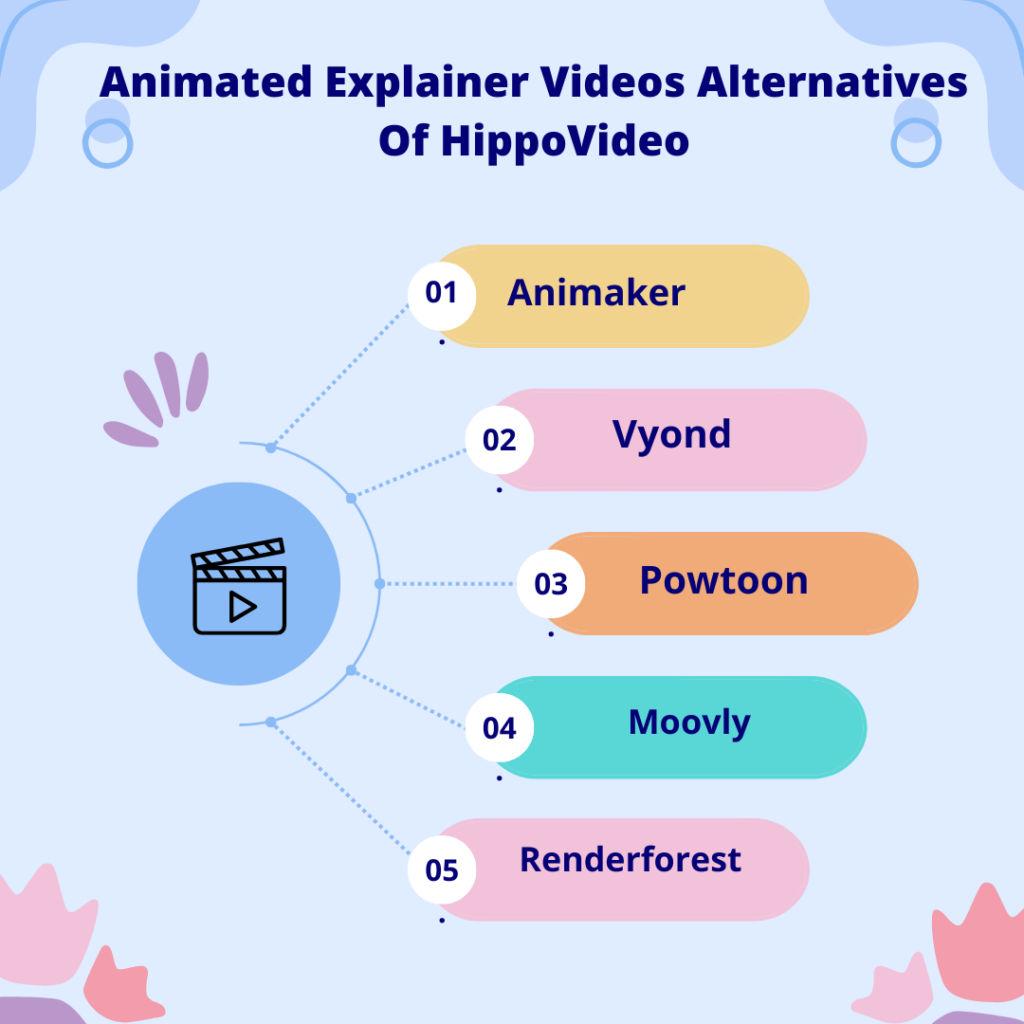
1. Animaker
Features:
- Drag-and-drop interface for easy use.
- Extensive library of pre-animated characters and assets.
- Supports Full HD resolution and exports in multiple formats.
- Offers features for voice recording and lip-sync.
- Real-time collaboration for team projects.
- Advanced animation features, including camera effects and transitions.
Pros:
- Highly user-friendly, suitable for beginners.
- Rich asset library enhances creativity.
- Supports complex animations with ease.
Cons:
- Free version is quite limited in features.
- Higher learning curve for advanced features.
Pricing:
- Free plan with basic features.
- Paid plans start from $19/month (billed annually) for more advanced features and assets.
2. Vyond
Features:
- Wide range of animation styles (contemporary, business-friendly, and whiteboard).
- Character customization with lip-sync and motion.
- Library of sound effects, music, and templates.
- Video export in Full HD and direct sharing options.
- Team collaboration and project sharing features.
- Secure cloud storage for projects.
Pros:
- Versatile animation styles cater to various needs.
- Extensive customization options for characters.
- Strong emphasis on security and team collaboration.
Cons:
- Can be expensive for small businesses or individuals.
- Requires internet connection for use.
Pricing:
- Essential plan starts at $299/year.
- Premium and professional plans with additional features are available, with prices available upon request.
3. Powtoon
Features:
- Intuitive drag-and-drop editor.
- Wide variety of templates tailored for different uses.
- Integration with external tools like PowerPoint and Adobe.
- Customizable branded content.
- HD quality video exports.
- Collaboration and sharing tools.
Pros:
- Easy to use for beginners and professionals.
- Great for quick, professional-looking video creation.
- Extensive integrations enhance workflow.
Cons:
- Limited animation flexibility compared to specialized software.
- Higher plans can be costly.
Pricing:
- Offers a free plan with basic features.
- Pro plan starts at $89/month, with discounts for annual commitments.
4. Moovly
Features:
- Extensive media library with over a million assets.
- Upload your own images, sounds, and videos.
- Automated video creation via templates.
- Cloud-based, allowing for anywhere access and collaboration.
- Integration with other platforms like Shutterstock for additional assets.
- Customizable video templates.
Pros:
- Highly customizable and versatile.
- Automation features save time.
- Good for both beginners and experienced users.
Cons:
- Some advanced features may have a steep learning curve.
- Free version has limited features and watermarks.
Pricing:
- Free version available.
- Pro plan starts at $49/month, with enterprise solutions available for larger teams.
5. Renderforest
Features:
- All-in-one platform for videos, logos, and website creation.
- High-quality video templates across various categories.
- Easy customization of videos with music, voiceovers, and text.
- Cloud-based storage for projects.
- Direct publishing to social media platforms.
- Supports 4K video resolution.
Pros:
- Versatile use cases beyond just video creation.
- High-quality output options.
- User-friendly interface suitable for all levels.
Cons:
- Subscription can be expensive for access to all features.
- Limited video length in lower-tier plans.
Pricing:
- Free with basic features and watermarks.
- Paid plans start at $9.99/month (when paid annually) for more features and higher-quality outputs.
FAQs About Choosing the Right Animated Explainer Video Tool
1. What should I consider when choosing a video creation platform?
Look for ease of use, customization options, the quality of animations, and pricing plans that fit your budget. Also, consider the specific needs of your project, such as the style of animation and the level of detail required.
2. Can I use these platforms without any design experience?
Absolutely! These platforms are designed with beginners in mind, offering drag-and-drop interfaces, templates, and tutorials to help you get started.
3. How important is audio in explainer videos?
Audio is crucial. A well-chosen soundtrack and clear voiceover can significantly enhance the impact of your video, making your message more engaging and memorable.
4. Can I integrate these videos into my marketing strategy?
Yes, animated explainer videos can be a powerful tool in your marketing arsenal, ideal for use on social media, your website, or email campaigns to boost engagement and conversions.
5. Are there free options available on these platforms?
Most platforms offer free trials or limited versions, allowing you to test their features before committing to a paid plan. This is a great way to find the tool that best suits your needs.
Conclusion:
In conclusion, the landscape of animated explainer video creation tools is rich and varied, with each platform offering unique features to meet the diverse needs of content creators.
Whether you prioritize ease of use, customization options, collaboration capabilities, or the quality of output, there’s a tool out there that fits your requirements.
From Animaker’s user-friendly interface and rich asset library to Renderforest’s all-in-one content creation suite, the choice depends on your specific needs, budget, and creative vision. By understanding the pros and cons of each platform, you can select the ideal software to bring your animated explainer videos to life, engaging your audience in a memorable way.

Srishti Gaur is an accomplished SEO Associate with a strong background in content creation and software technology. With a knack for crafting strategies that drive traffic and improve search rankings, she combines her expertise in SEO with a deep understanding of tech tools and platforms. Passionate about bridging the gap between technology and impactful content, Srishti helps businesses grow their online presence and achieve measurable results.